Pavel Samsonov

Pavel Samsonov Student builder · Systems & hardware

Driven by curiosity. Grounded in practice.

I explore hardware, software, and the ideas that connect them—through hands-on projects, creative engineering, and collaboration. I enjoy understanding how things work, finding ways to improve them, and making complex ideas easier to share.

01 Homelab Personal production lab

Homelab infrastructure

A bare-metal Proxmox environment running dedicated routing, a five-node k3s cluster, and daily services—engineered from the physical layer up to understand real systems without managed abstractions.

Fig. 01.1 · System architecture

One machine.
Many moving parts.

Self-hosted lab
Logical topology

THE STACK AT A GLANCE

One Proxmox server contains the router, five K3s VMs and application hosts.

  • RoutingpfSense · LAN, VLANs & management
  • ComputeK3s · three control-plane + two worker VMs
  • Daily servicesHome Assistant, CouchDB, Docker & Hermes
  • Separate hardwareWorkstation, OpenWrt & Aruba · wired and wireless clients
Connectivity Dependency Hosted inside

Explore a module. Hover or focus to preview; click or tap to pin. Escape clears.

Internet / ISP
PHYSICAL CONTAINMENT

Proxmox VE

ONE PHYSICAL SERVER

Everything inside this border runs on the same machine.

01 / NETWORK & ROUTING

ROUTER VM + LOGICAL NETWORKS

02 / VIRTUAL WORKLOADS

TWO HOSTING GROUPS · SAME SERVER
KUBERNETES COMPUTEMAIN LAN
LAN bridge → five VMs
CP 01CP 02CP 03WK 01WK 02
MetalLB ⇢ Traefik / Pi-holecert-manager ⇢ Traefik certificatesTraefik ⇢ application backendsDashed relationships are dependencies,
not packet paths.
APPLICATION HOSTSVLAN 20
VLAN 20 → VM / LXC hosts
Hermes ⇢ supporting containers

03 / PHYSICAL NETWORK

OUTSIDE PROXMOX · LAN UPLINKS

Separate hardware and its wireless clients: connected, not hosted.

Workstation → LAN bridge · LAN bridge → OpenWrt → Aruba (Ethernet).
VLAN 30 → LAN trunk → pfSense; LAN Wi-Fi DNS → Pi-hole.

Architecture, not live telemetry. Connections are simplified; containment does not imply public reachability or verified security enforcement.

What I built
pfSense at the edge handling firewalling and VLAN routing, upstream of a 5-node k3s cluster (3 control-plane, 2 workers) and dedicated Proxmox VM/LXC instances for Home Assistant, CouchDB, and Docker services.
Technically interesting
Getting DNS (Pi-hole), ingress (Traefik and MetalLB), certificates (cert-manager) and VLANs to agree. A single wrong tag or record can break things quietly.
What it shows
Debugging by isolating layers (network, DNS, container, ingress, app) instead of guessing.
Stack
  • Proxmox
  • pfSense
  • VLANs
  • k3s
  • Traefik
  • MetalLB
  • cert-manager
  • Pi-hole
  • Docker
  • WireGuard
Physical server
1
VMs
8
LXC containers
5
Docker services
~8
k3s nodes
5
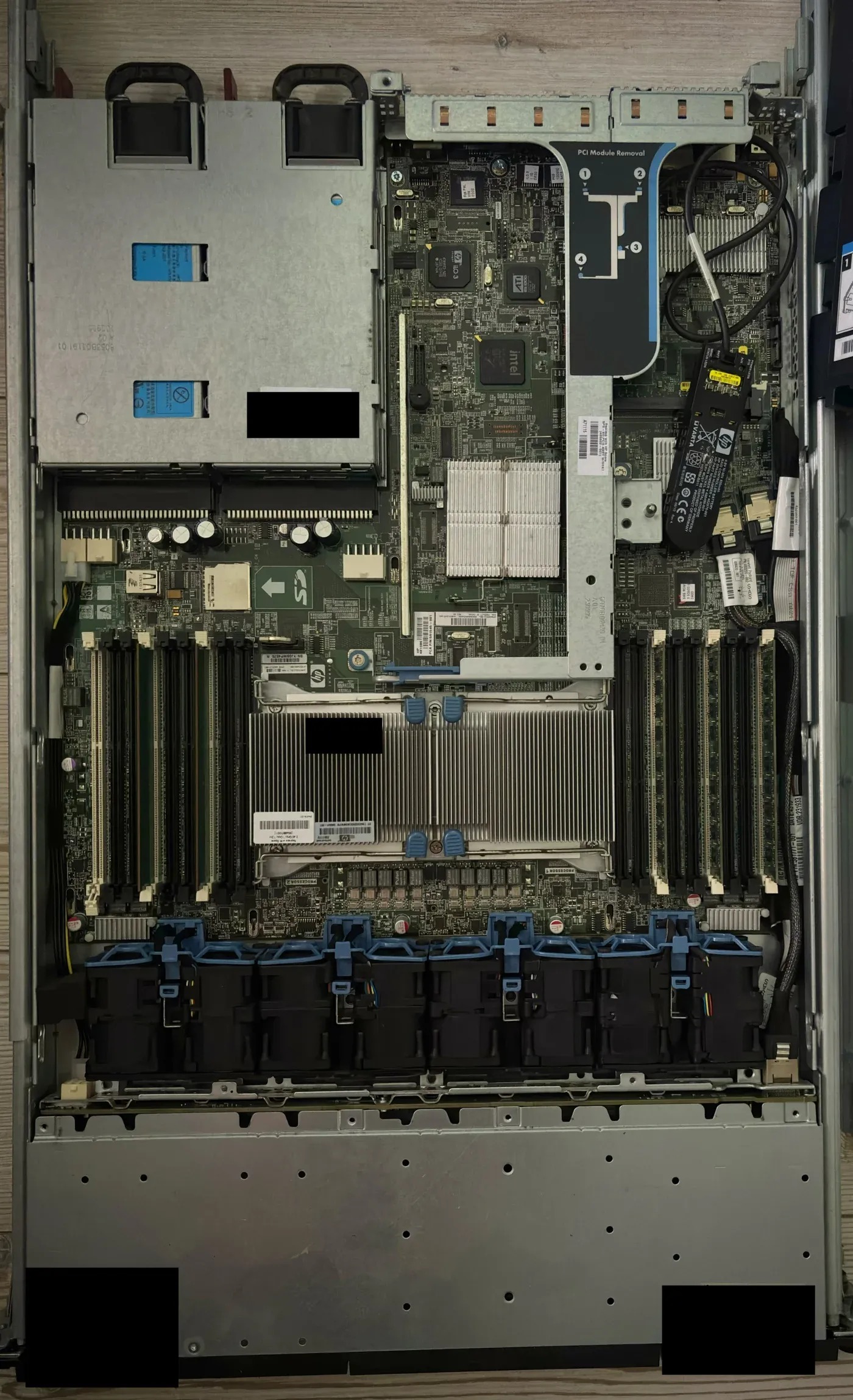
Top-down view inside the rack server: power supply bays, motherboard with one large CPU heatsink, rows of RAM slots and a bank of six fans.Open larger view
Fig. 01.2The single physical server that everything above runs on. Identifier and credential labels are masked.
02 Automation Personal daily system

Local-first automation

Private local-first workflows bridging home telemetry, bi-directional note sync, and containerized agent tooling—with core services hosted in my own lab.

What I built
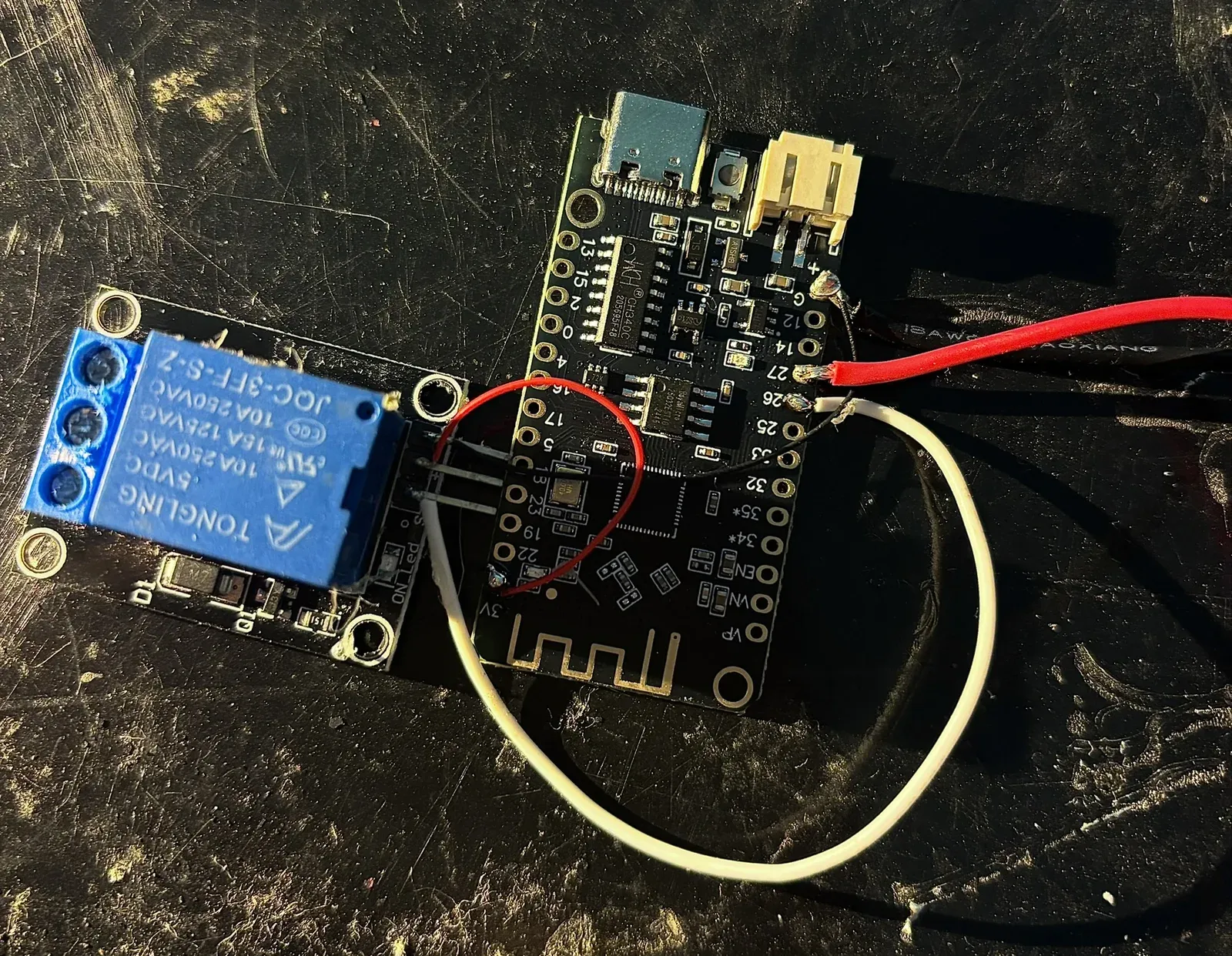
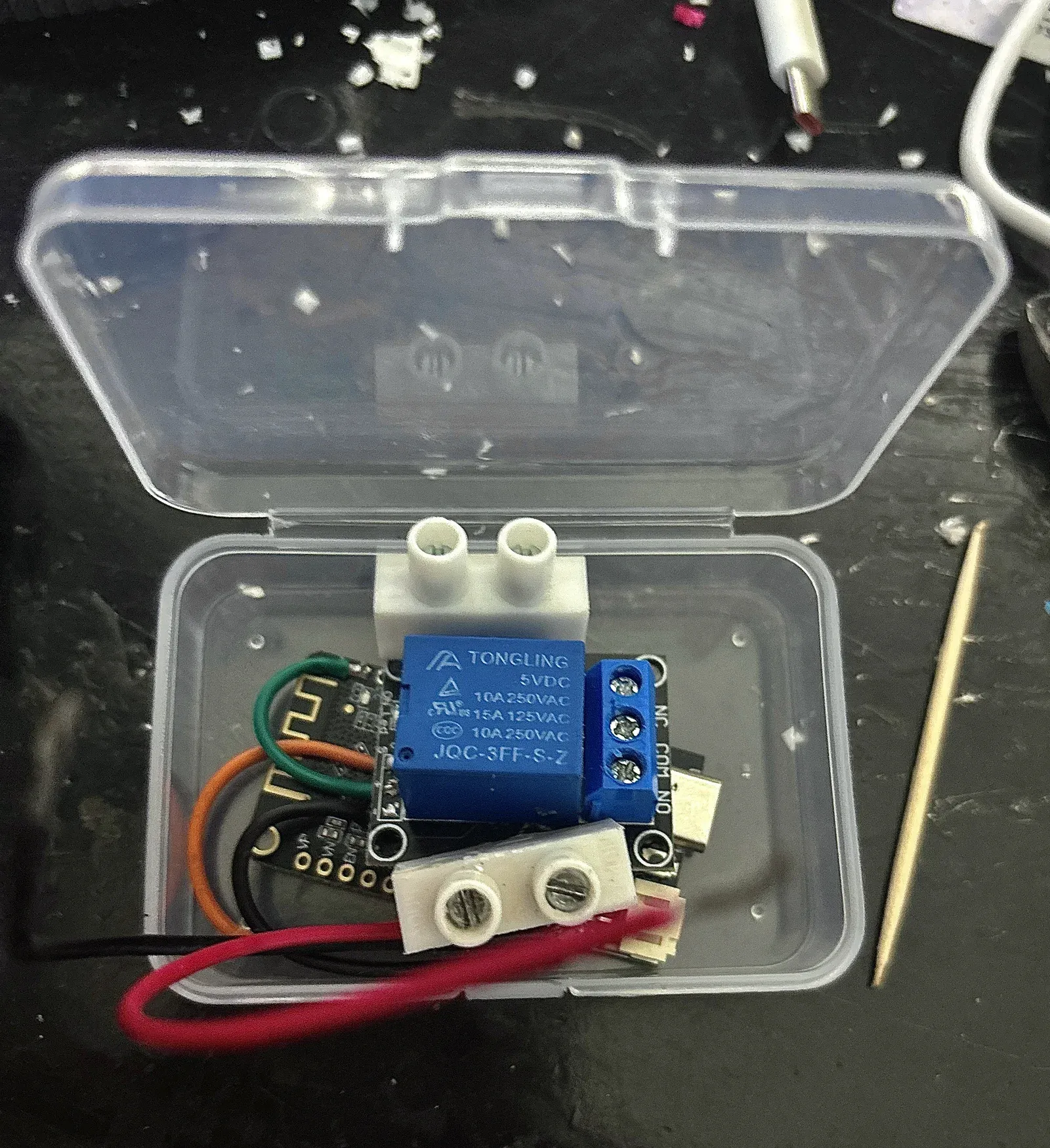
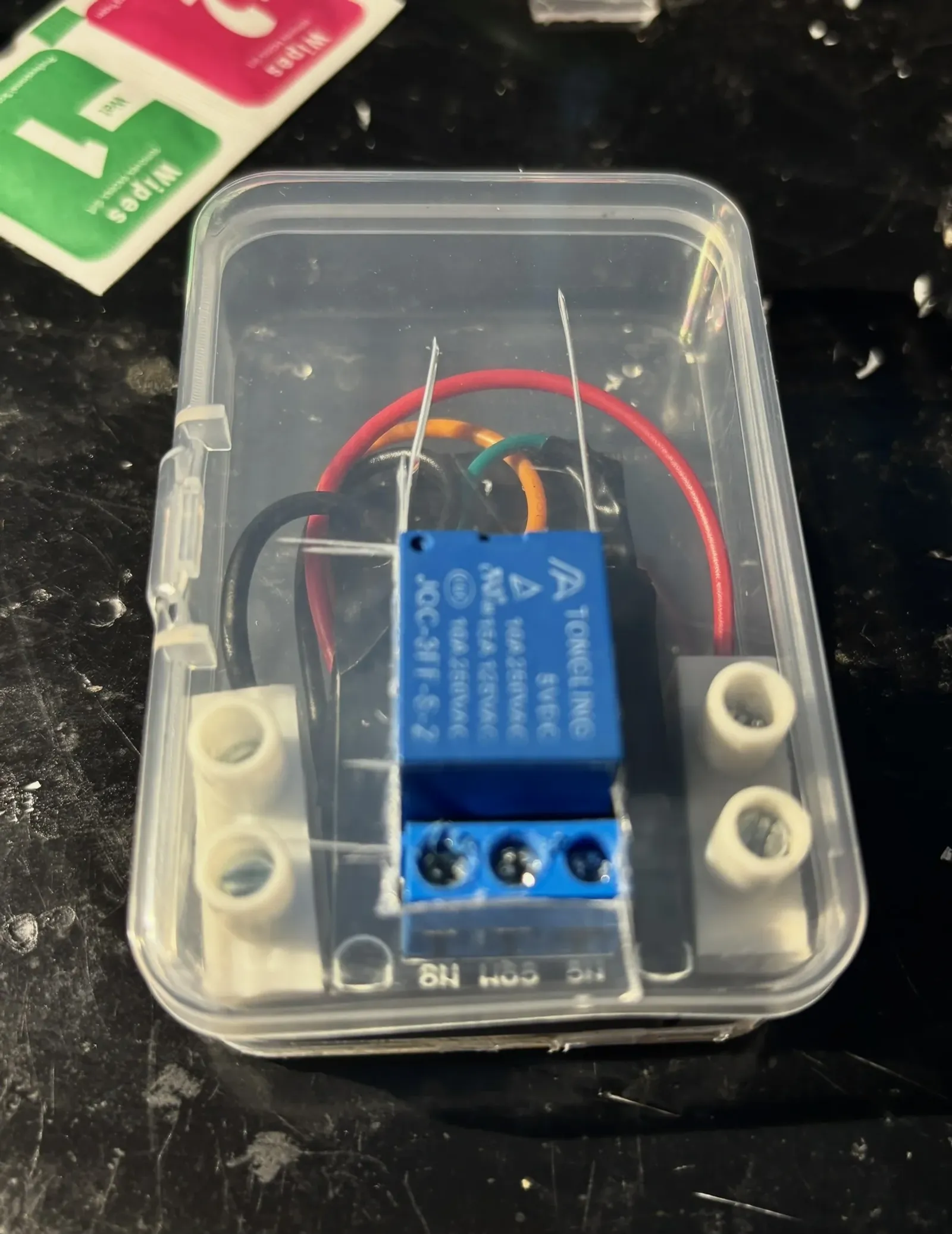
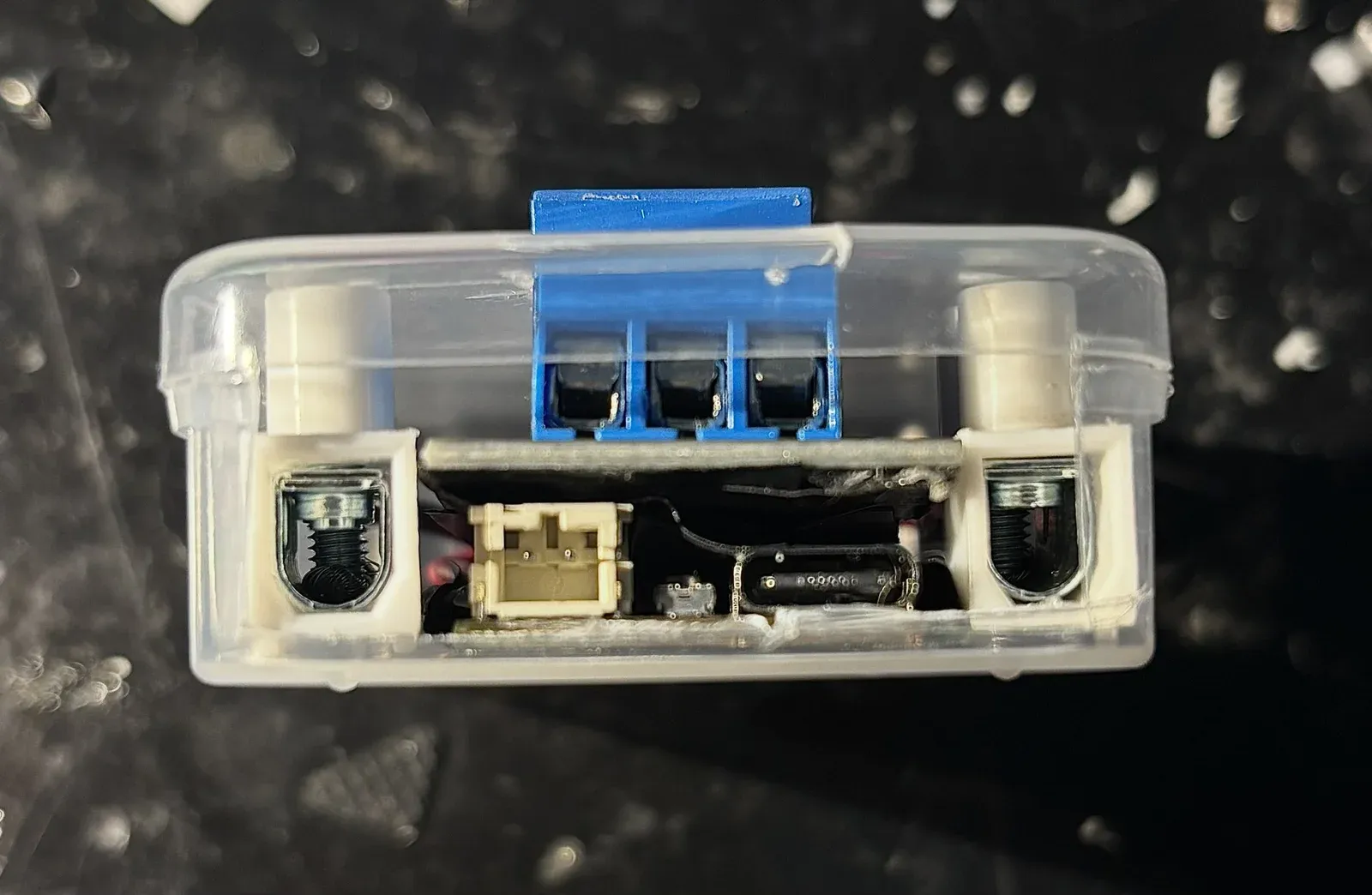
Home Assistant for the smart home, Obsidian LiveSync on CouchDB for notes, an Open WebUI agent workspace, and a DIY relay module for switching.
Technically interesting
Connecting systems that were never designed to work together (notes, automations, agents and speakers) into workflows I actually use.
What it shows
Automation is useful when it is tied to real context and daily routines, not when it lives on a dashboard.
Stack
  • Home Assistant
  • Obsidian LiveSync
  • CouchDB
  • Open WebUI
  • Docker

Where it runs in the homelab

DIY relay module

1 / 4
03 FPV drone Built, configured and flown

FPV drone build

A custom freestyle quadcopter built from discrete avionics and high-current power distribution, tuned through Betaflight gyro spectral analysis and blackbox telemetry.

Onboard
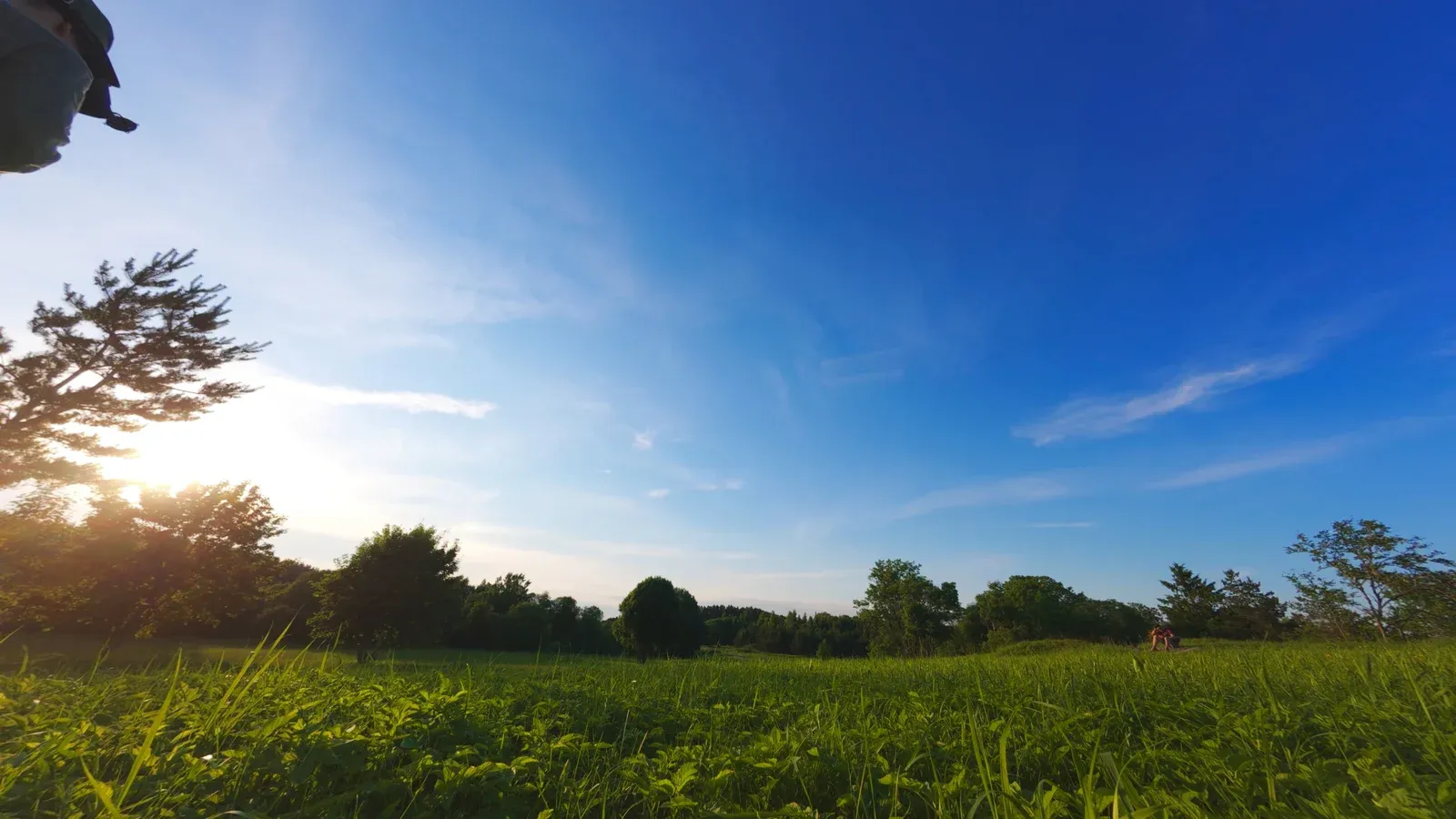
Fig. 03.1Onboard footage from the action camera mounted on the quad.

Build & Field Hardware

Swipe for more
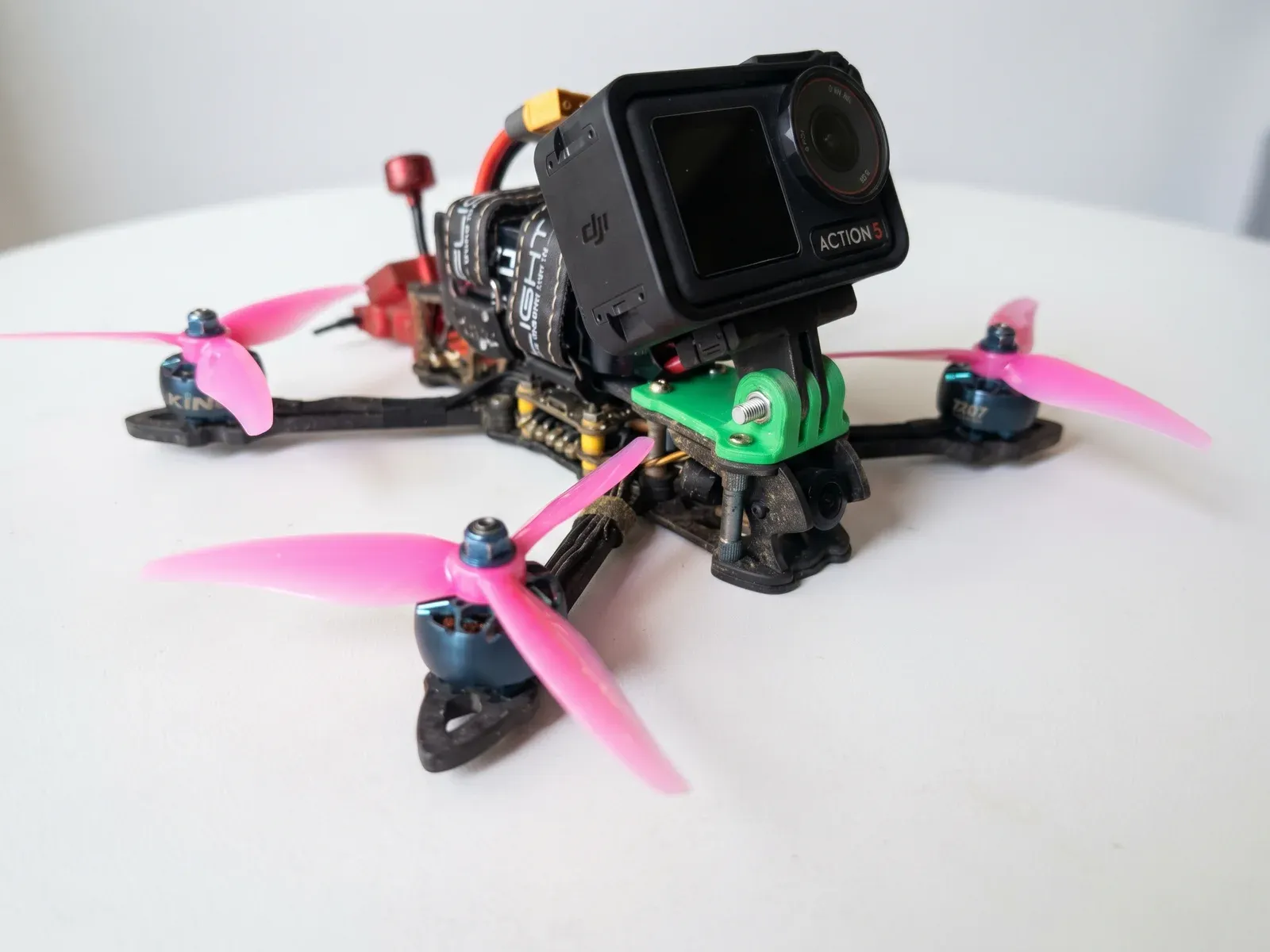
Finished quadcopter with pink propellers and an action camera mounted on top, on a white table.Open larger view
Fig. 03.2Finished quad with the action camera mounted.
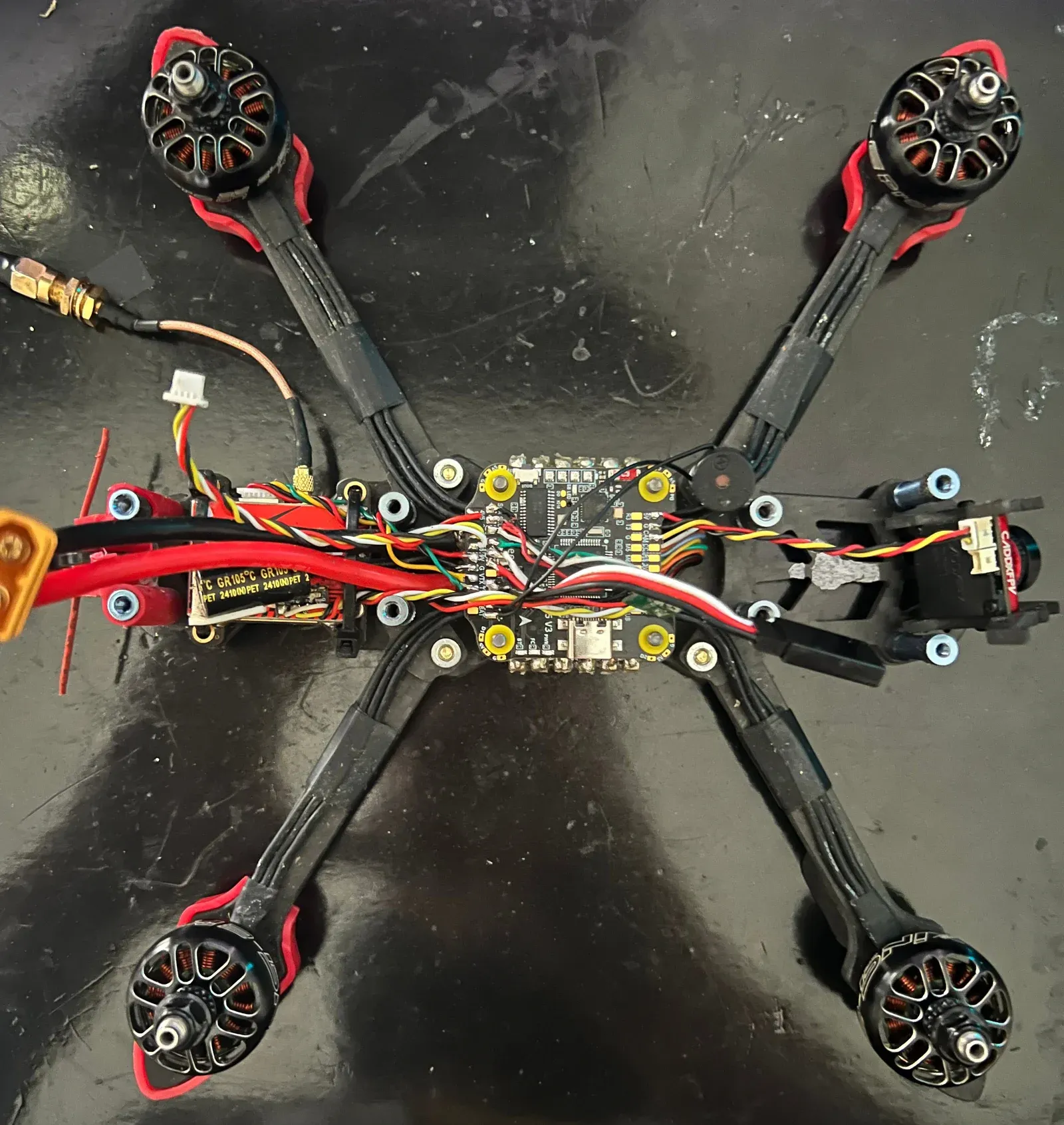
Top view of an open carbon frame with the flight controller stack, ESC and coloured wiring at its centre.Open larger view
Fig. 03.3Electronics stack and wiring on the open frame.
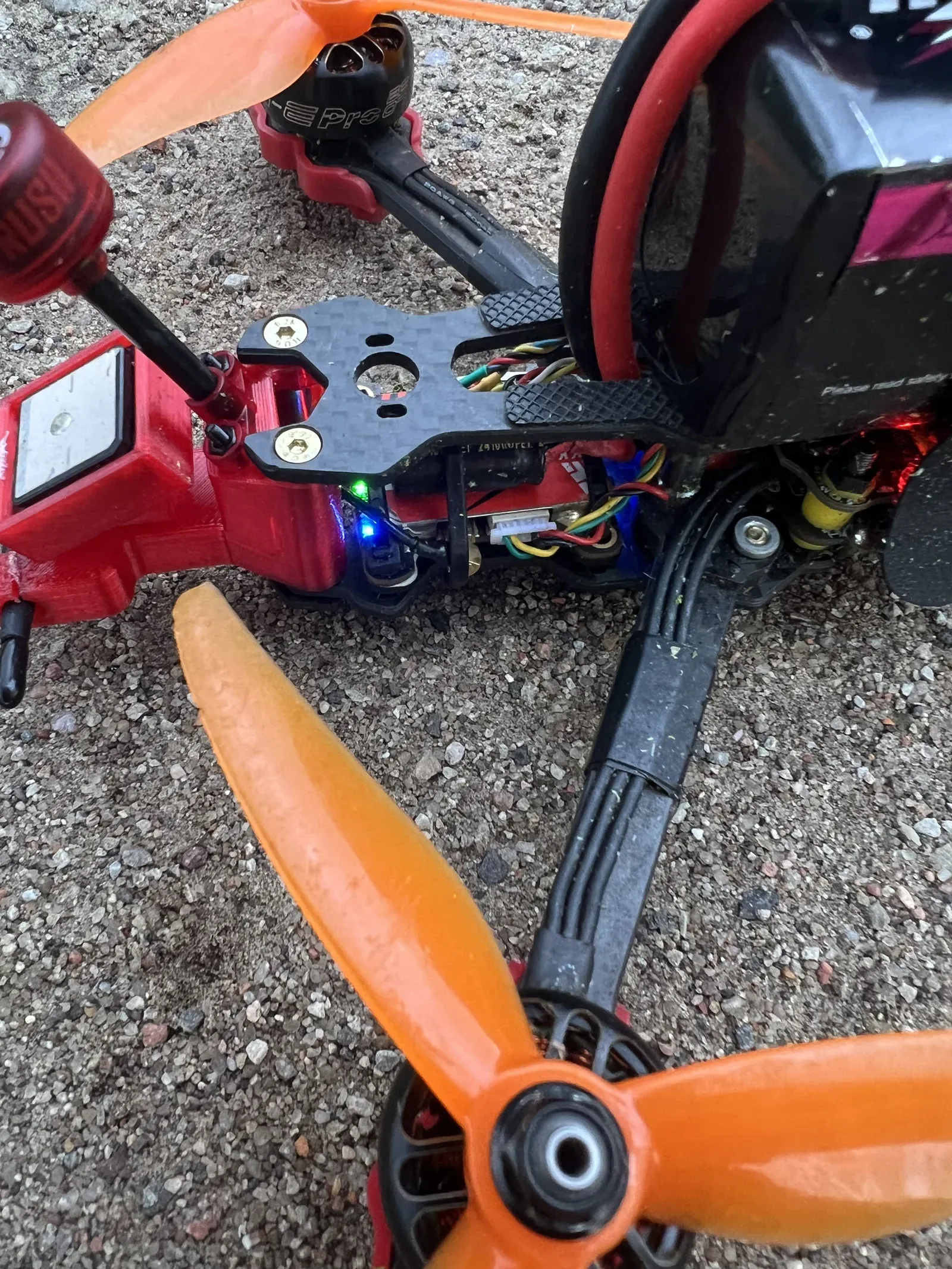
Close-up of a red-armed quad with orange propellers resting on gravel outdoors.Open larger view
Fig. 03.4Out in the field.

Flight Feed Comparison

Picture-in-Picture · Dual Feeds
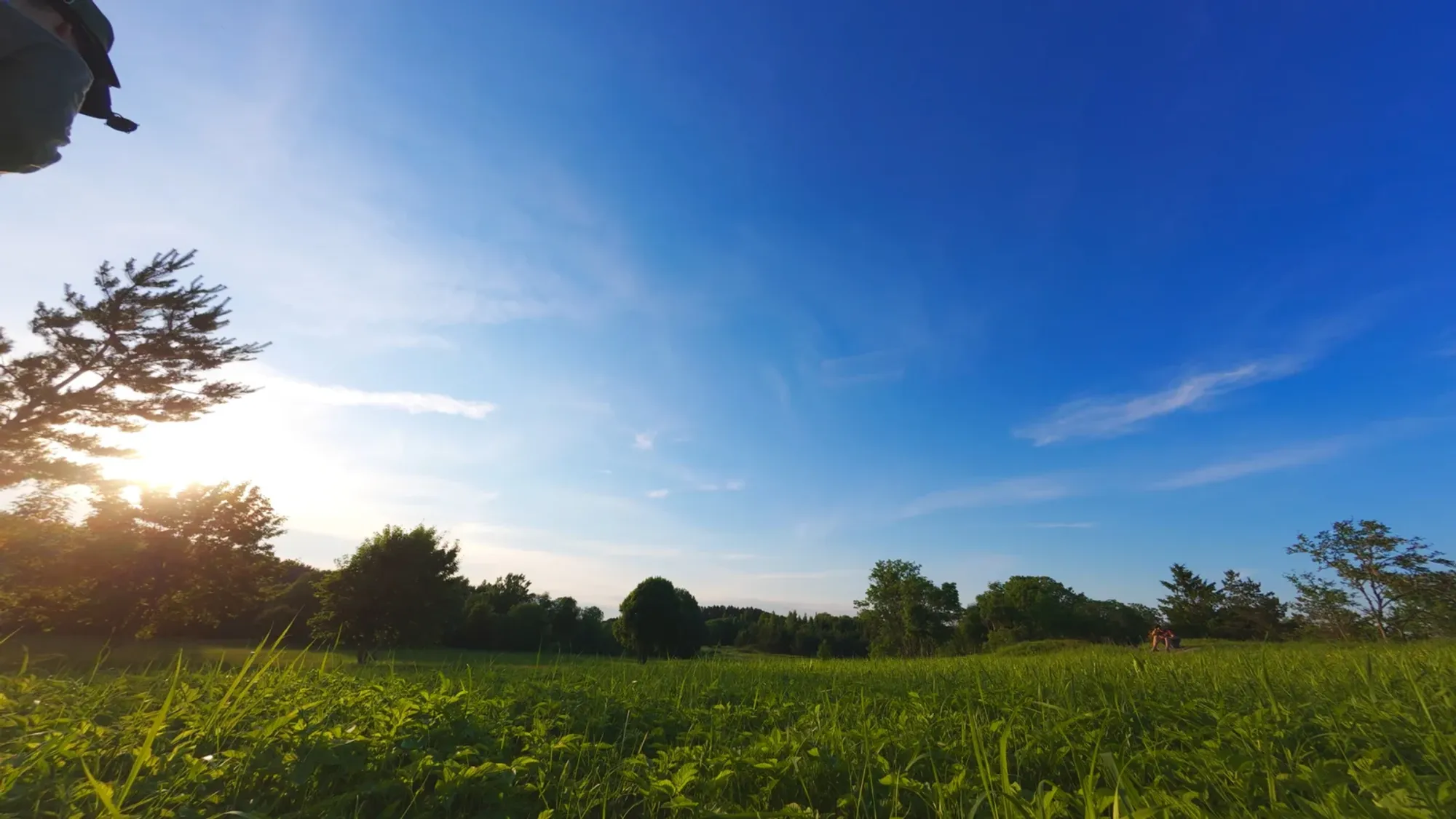
High-resolution 4K action camera frame of a field at sunset.
ON-BOARD 4K ACTION CAM · 50 FPS
Full-screen 4K view
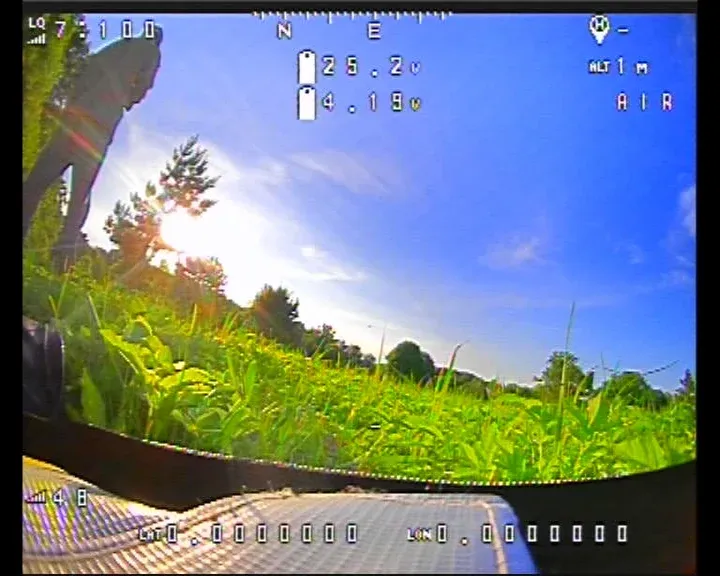
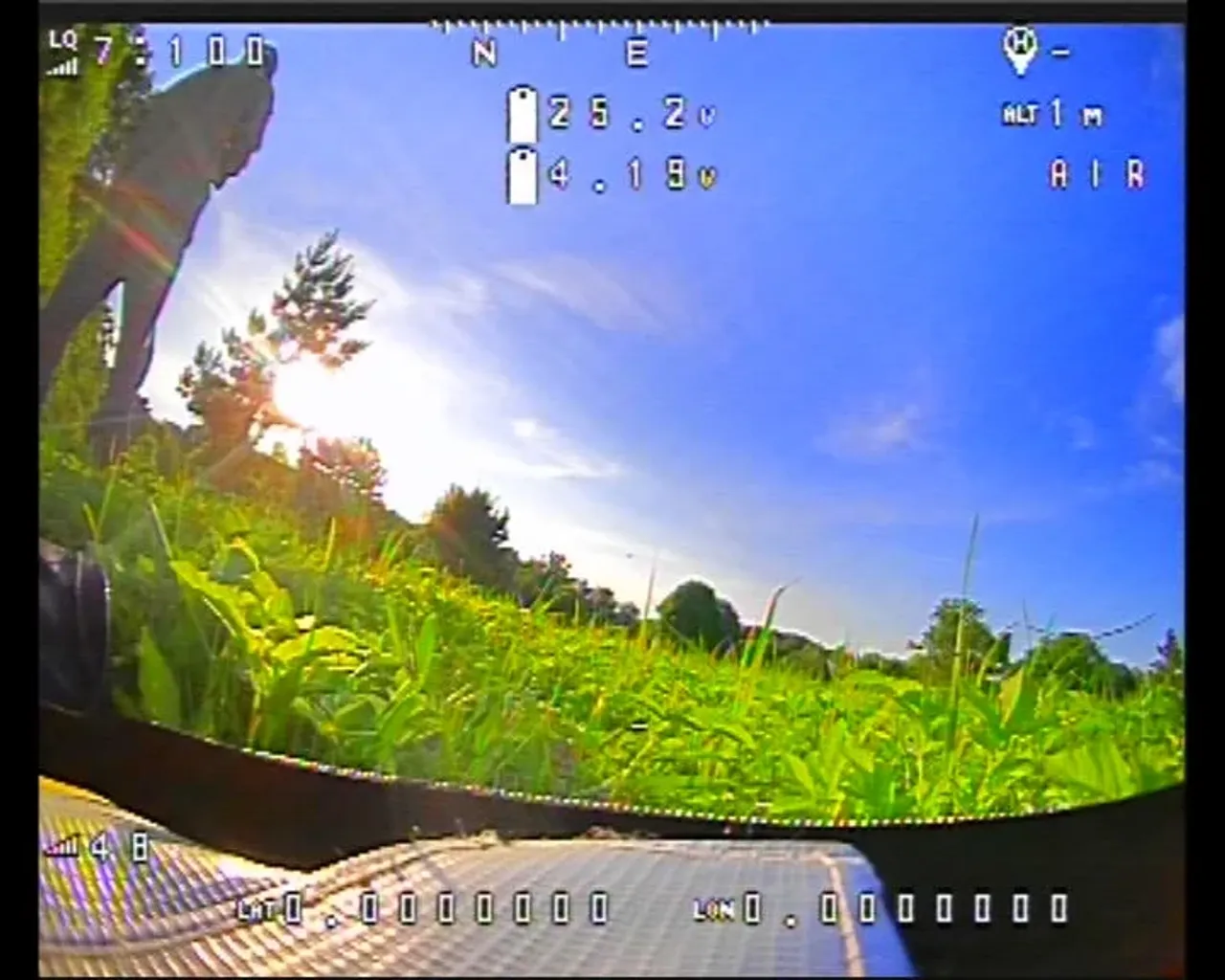
Analog pilot goggle DVR recording with complete OSD telemetry: flight timer, battery voltage, crosshairs.
PILOT GOGGLE DVR · 5.8GHz OSD
Full-screen DVR view
Fig. 03.5 Same flight, synchronized feeds: high-bitrate 4K onboard action camera vs pilot analog goggle DVR with flight controller OSD telemetry. · Click the inset window or "Swap Feeds" to toggle full telemetry view.

Tuning & Telemetry Analysis

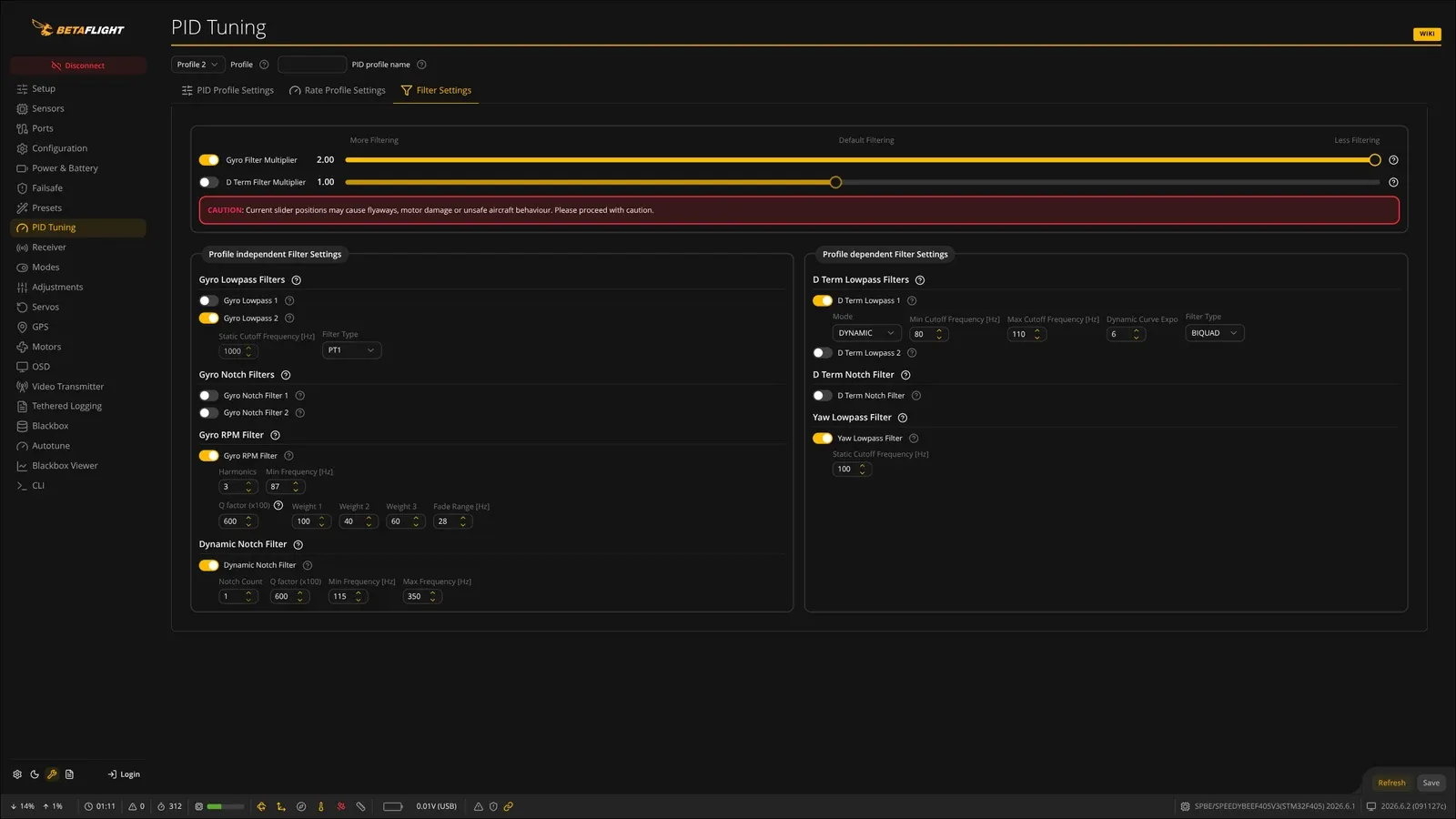
Betaflight Configurator filter tuning page with gyro and D-term filter sliders.Open larger view
Fig. 03.6Filter settings in Betaflight.
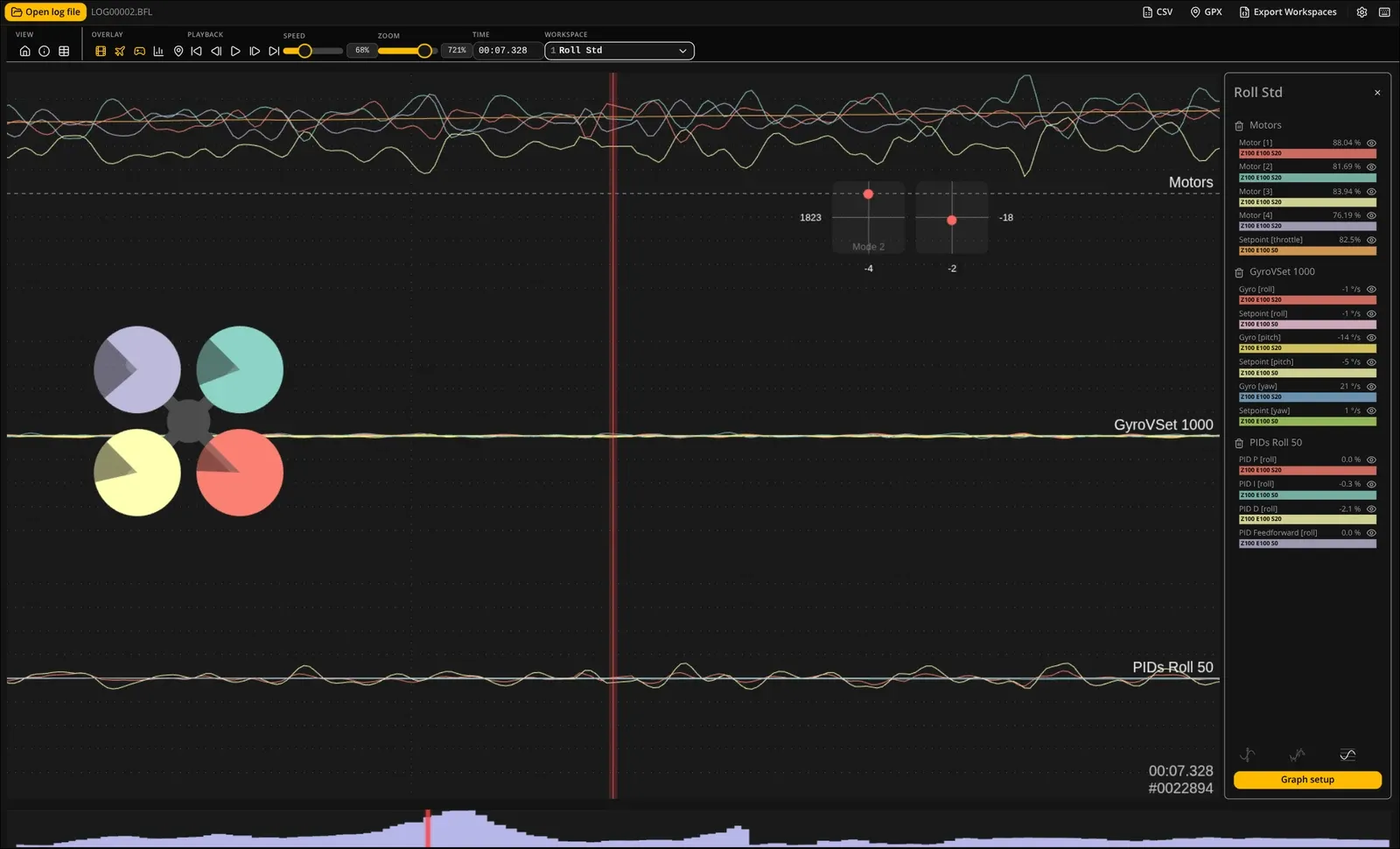
Blackbox log viewer plotting gyro traces against setpoint over time.Open larger view
Fig. 03.7Blackbox log: gyro response against setpoint.
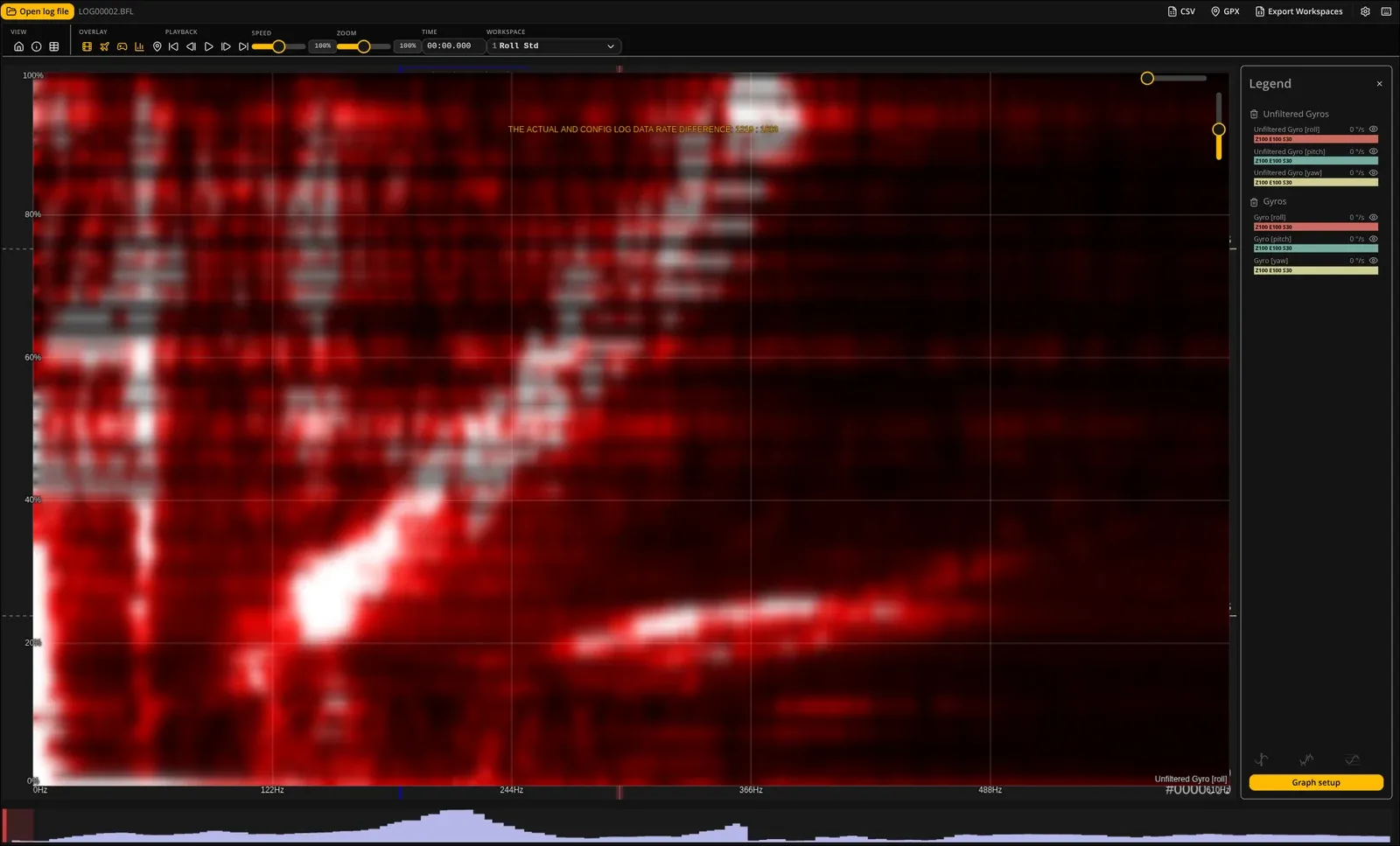
Red spectrogram heatmap of gyro noise across throttle and frequency.Open larger view
Fig. 03.8Gyro noise spectrum from a blackbox log.
What I built
The whole build: soldered power and signal wiring, set up the firmware, radio link and video, then flew it with an action camera on board.
Technically interesting
Tuning: PID and filter settings in Betaflight, checked against blackbox logs and gyro-noise analysis.
What it shows
Hardware debugging that crosses mechanical, electrical, firmware and RF/video layers at the same time.
Stack
  • Betaflight
  • Blackbox logs
  • Soldering
  • PID tuning
  • FPV video
  • Radio link
04 Keyboard
Daily input device

Corne wireless keyboard

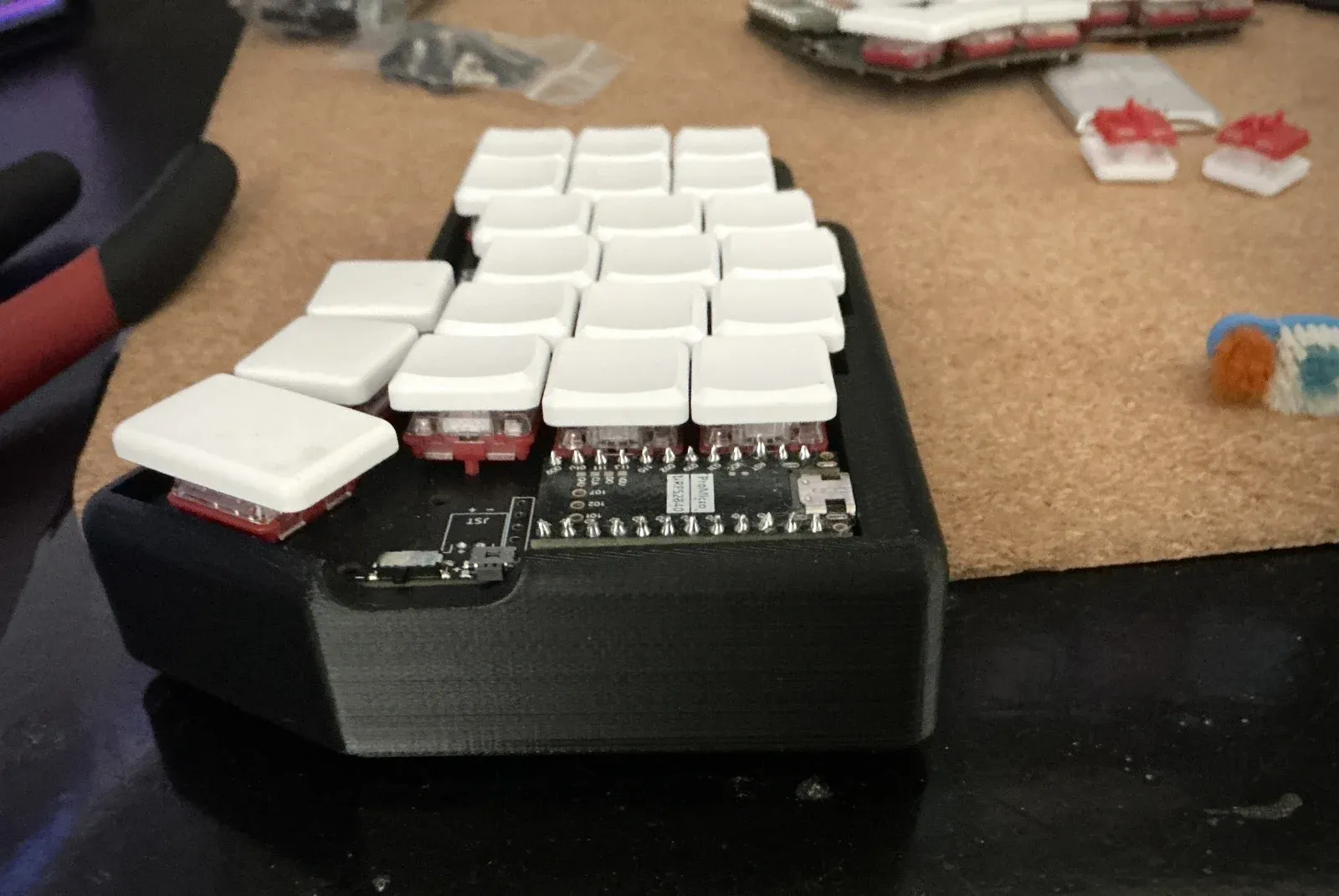
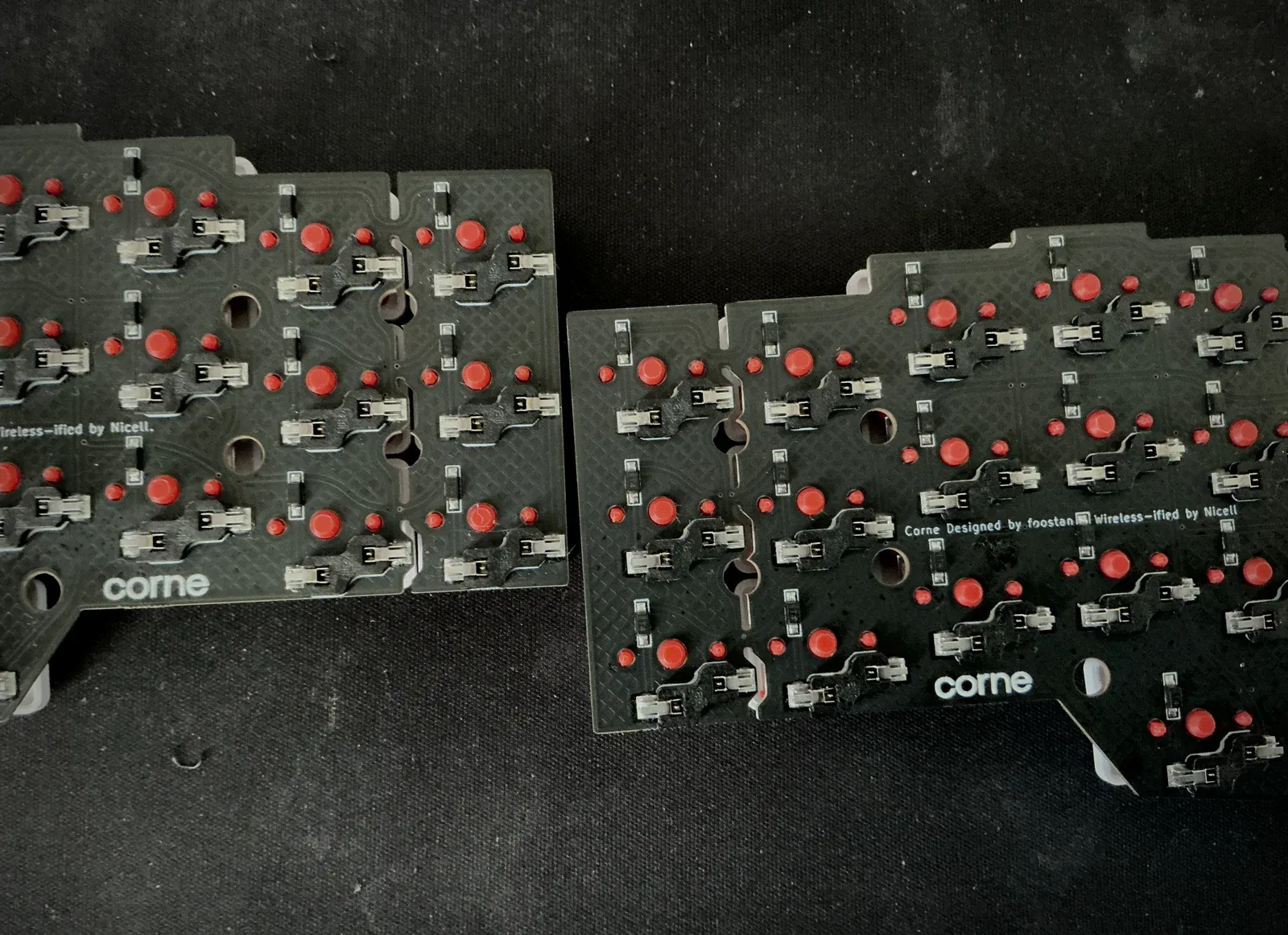
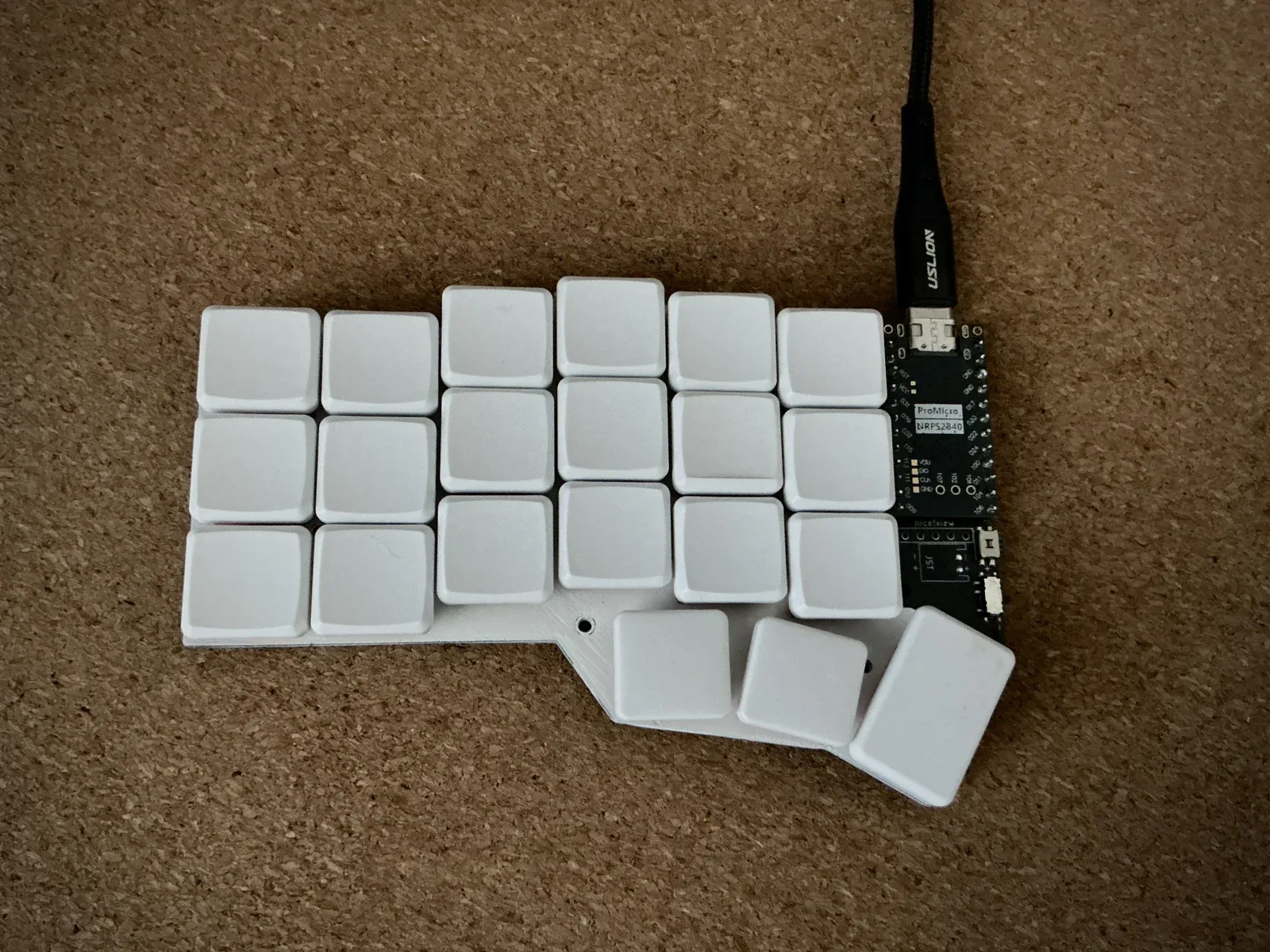
A 42-key wireless split keyboard, assembled and running ZMK firmware over Bluetooth and USB, in a 3D-printed case. It's the keyboard I type on every day.

Interactive CAD Breakdown 01 / Fully Assembled
Scroll to explode
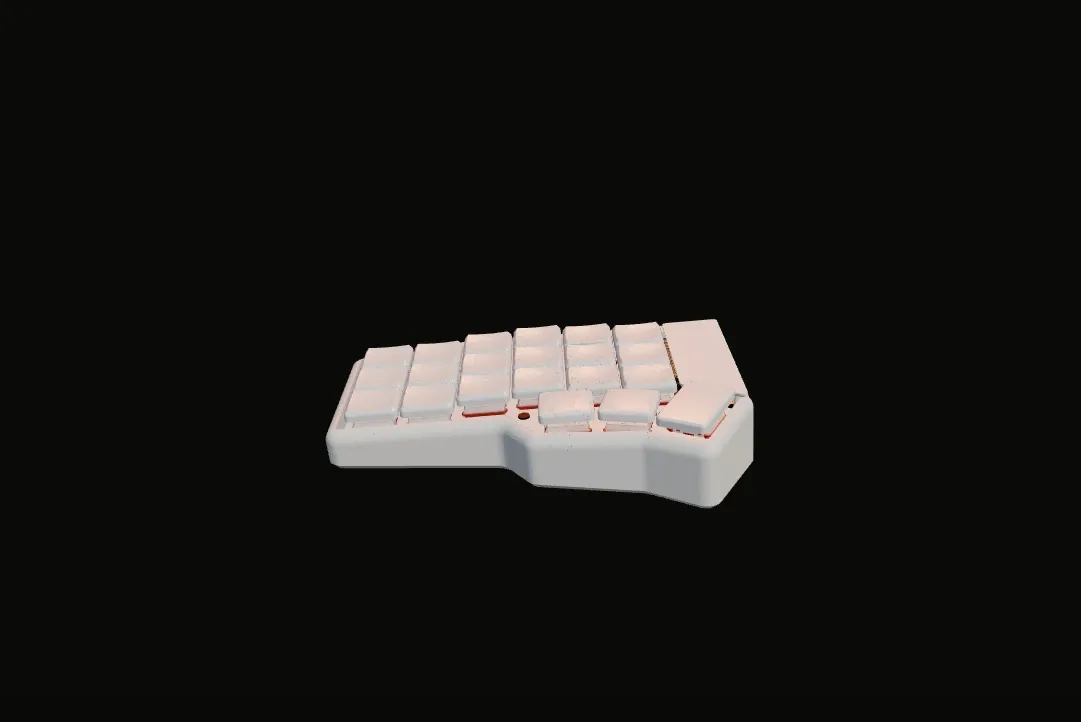
Corne wireless keyboard 3D CAD assembly exploded view showing keycaps, switches, top plate, PCB, microcontroller, and 3D printed enclosure.

Interactive 3D loads automatically as you approach.

01 / Fully Assembled 0%
Scroll page to explode · Drag model to orbit · Ctrl+scroll to zoom Drag to explode
01 / INTERFACE

MBK Choc Keycaps

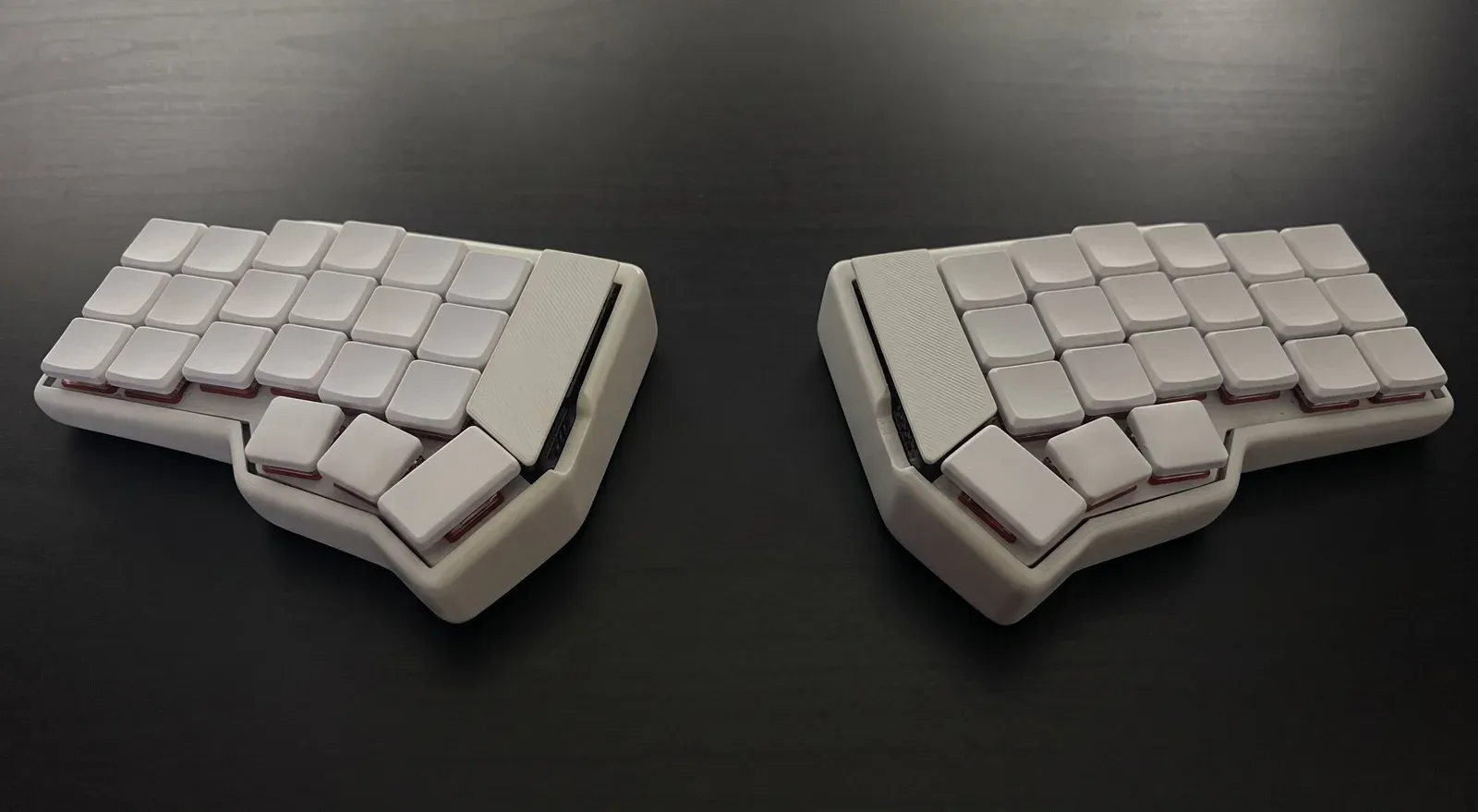
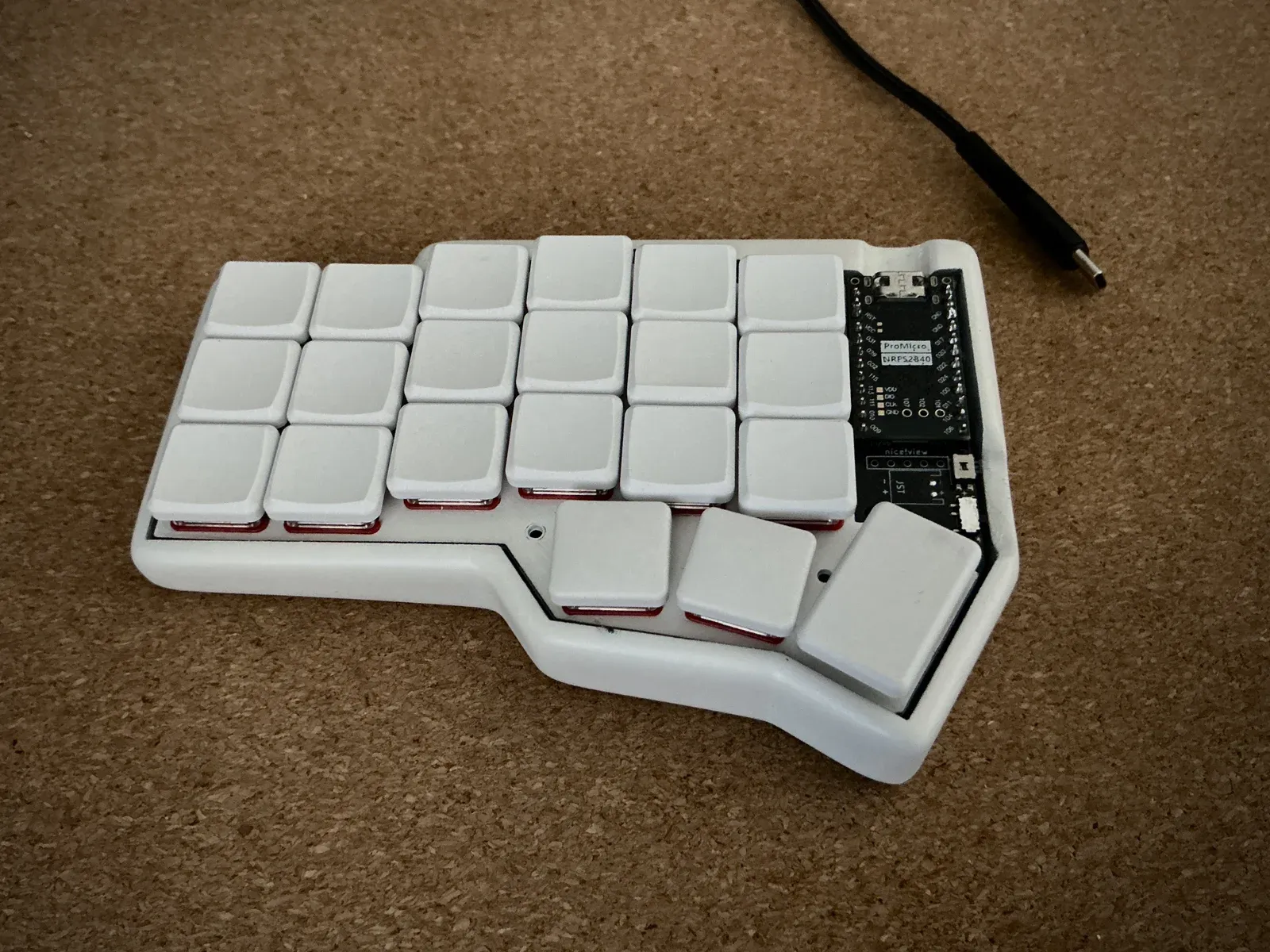
Both halves of a light grey split keyboard with low, flat keycaps on a dark surface.Open larger view
Fig. 04.1Both halves in the final case.
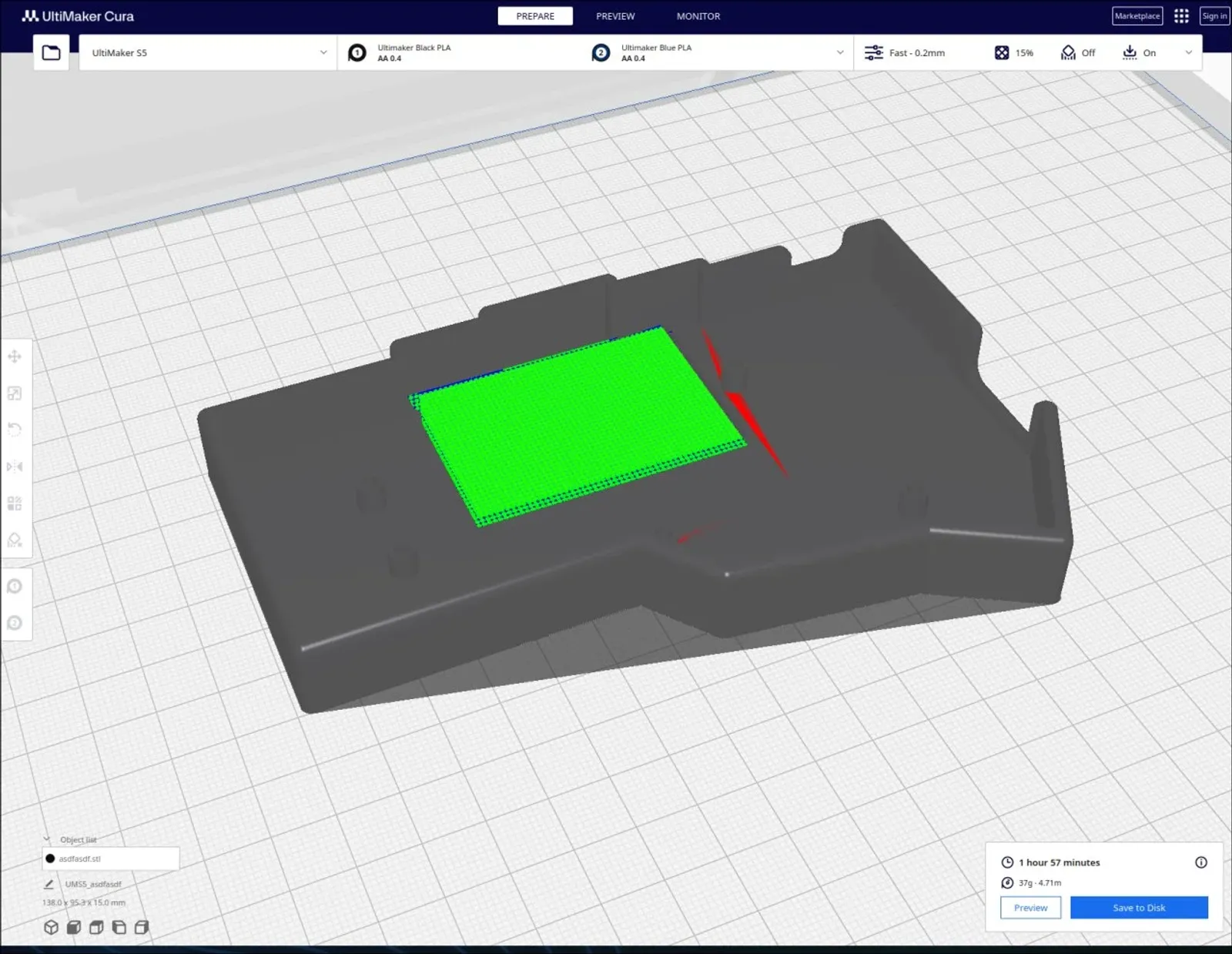
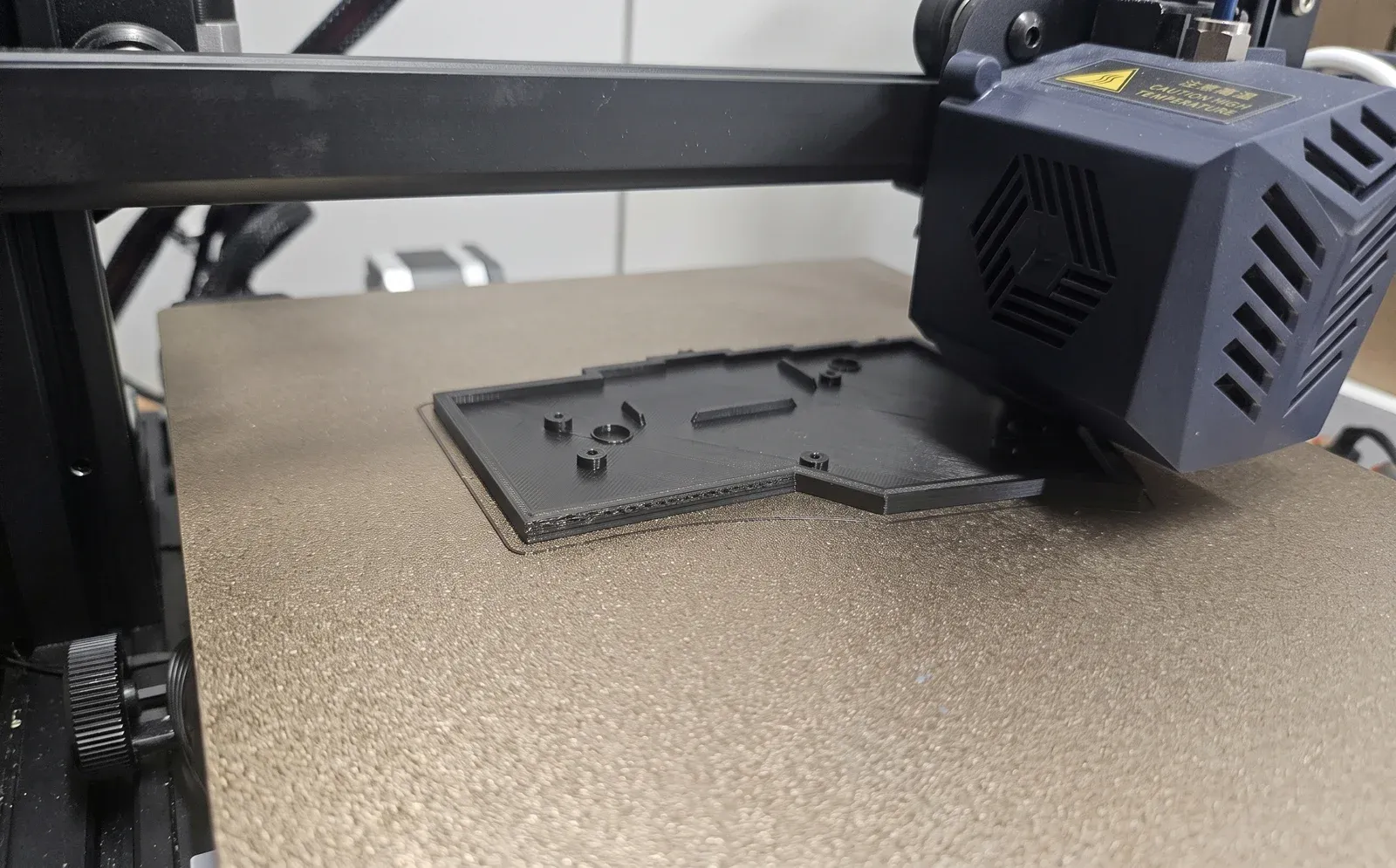
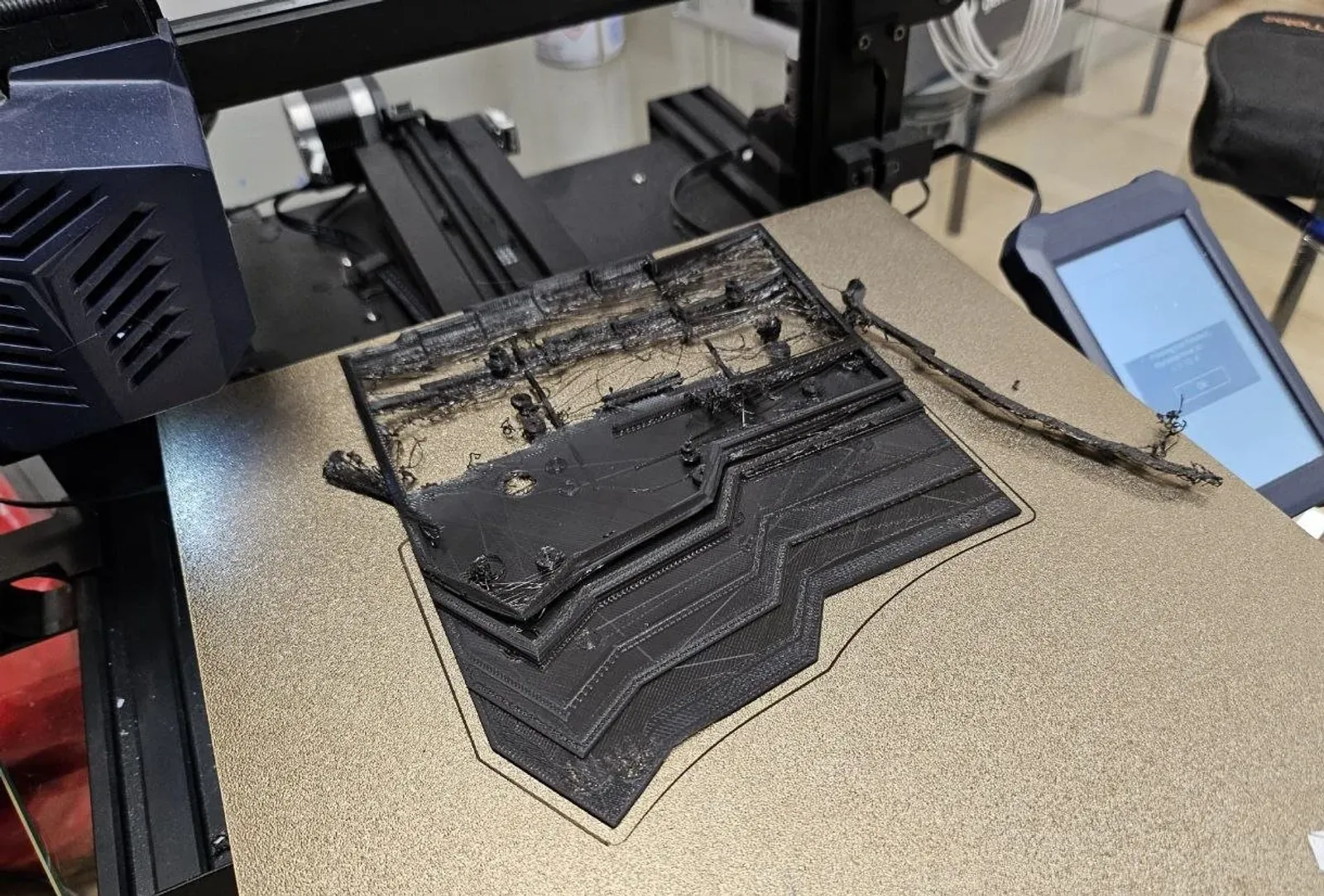
Fig. 04.2Printing the final case.
What I built
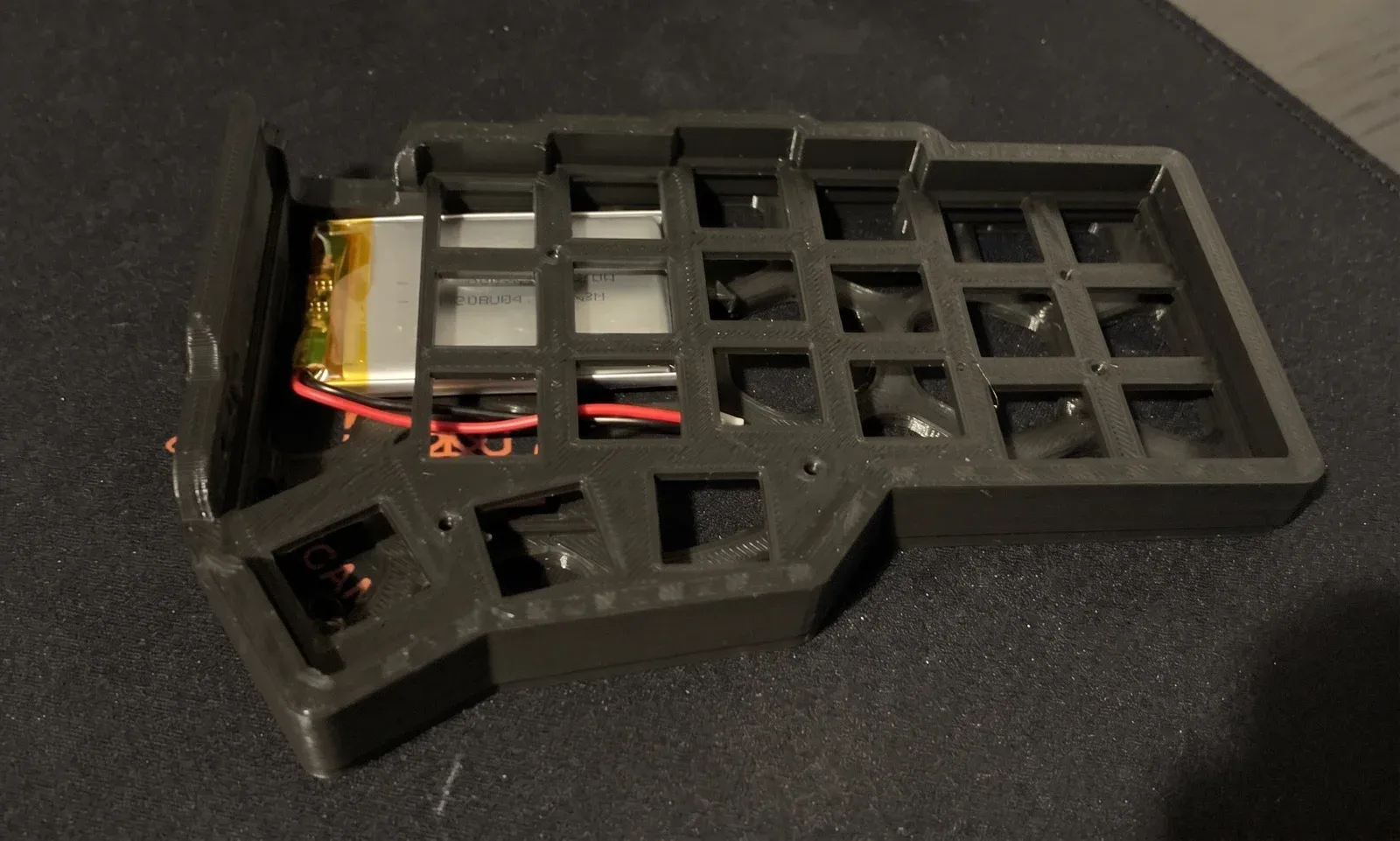
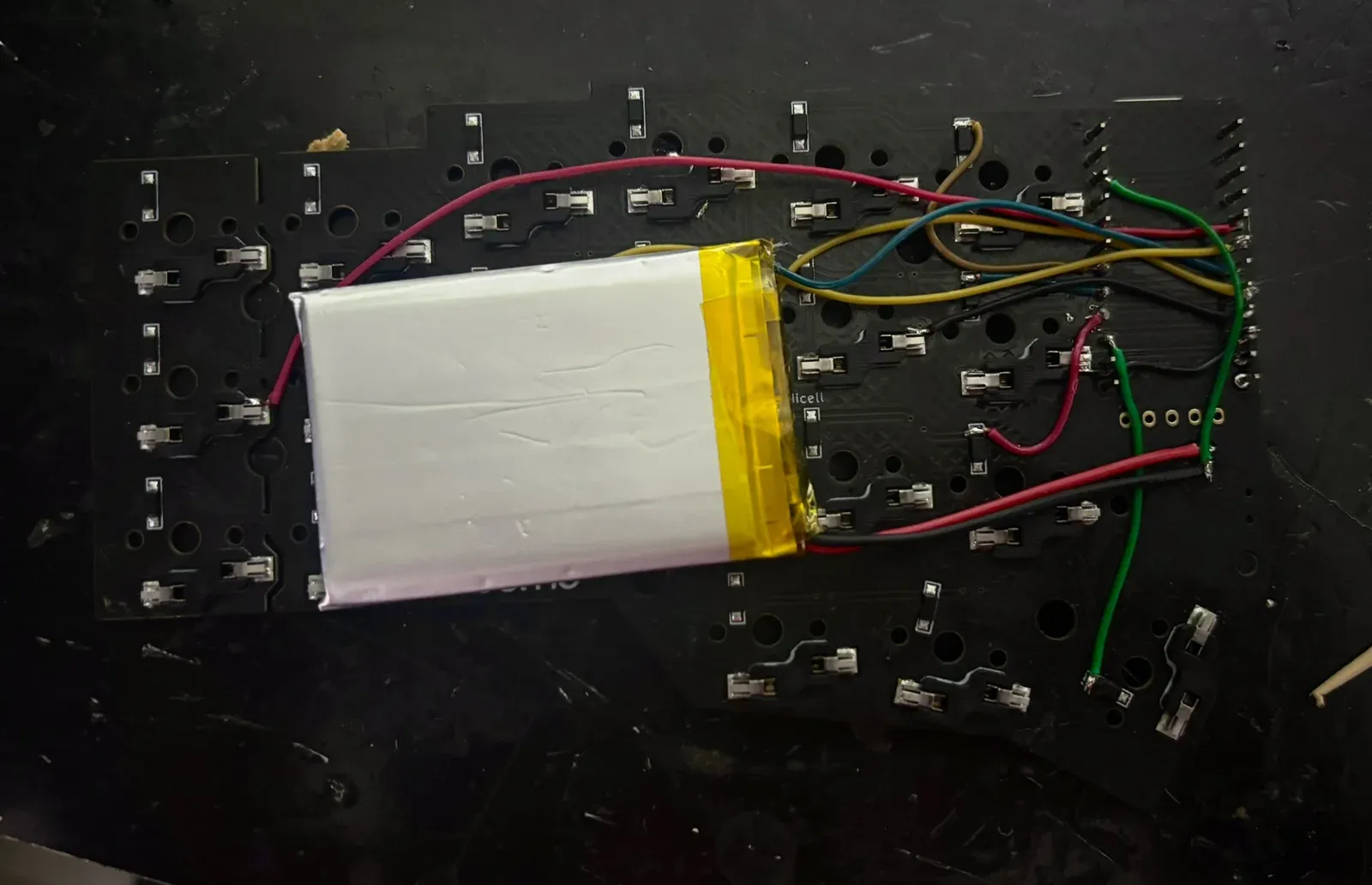
Assembled and soldered both wireless halves, flashed custom ZMK firmware layers, and tweaked the 3D-printed enclosure for battery fit.
Technically interesting
Fine-tuned CAD tolerances and battery pocket clearance for a clean friction fit, iterating through multiple FDM print tests.
What it shows
Combining firmware configuration, precision soldering, and mechanical prototyping into a durable daily driver.
Stack
  • Corne
  • ZMK
  • Bluetooth LE
  • USB
  • 3D printing
  • CAD tweaks
05 Workstation Daily driver · dotfiles private

Arch workstation

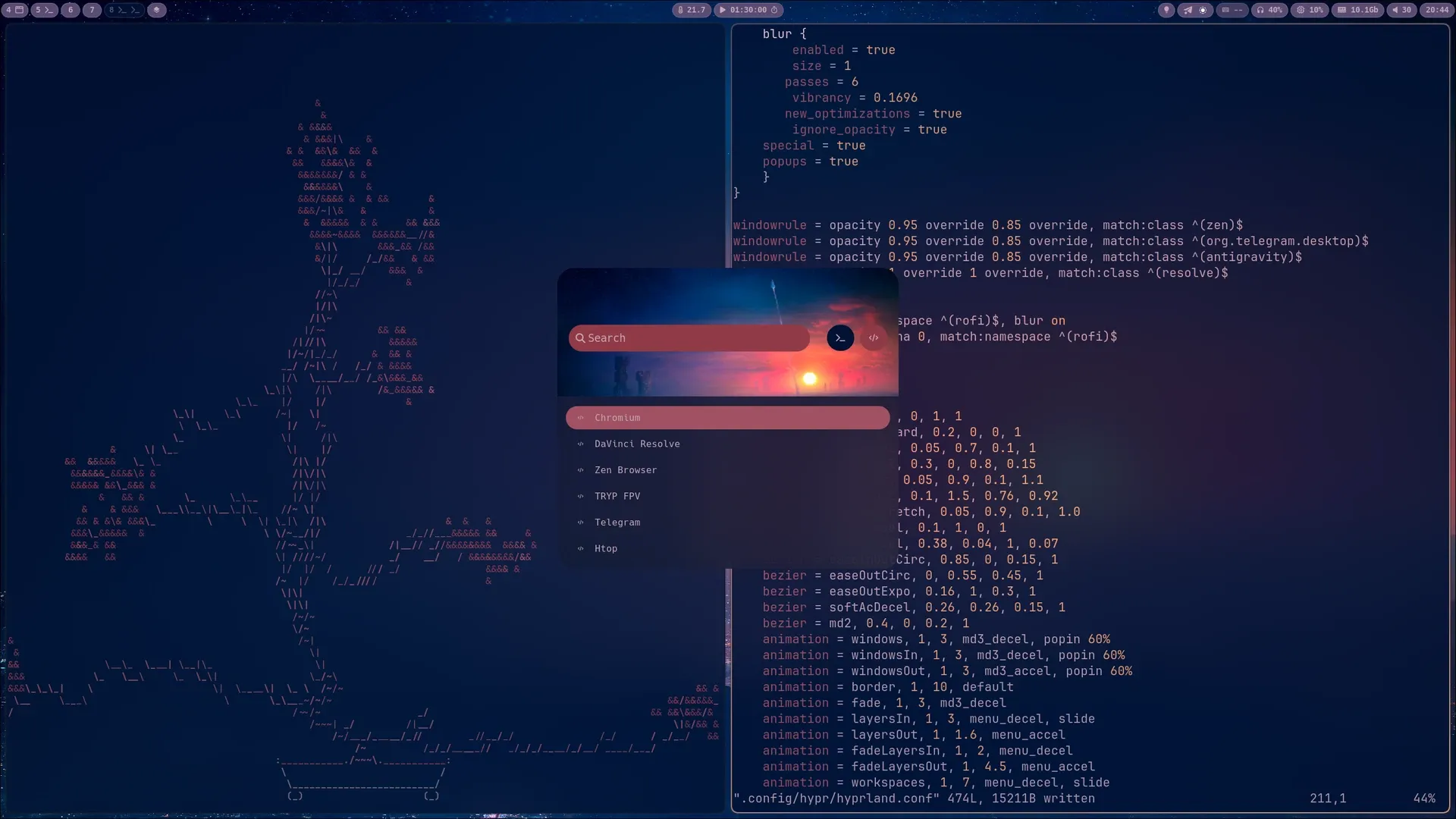
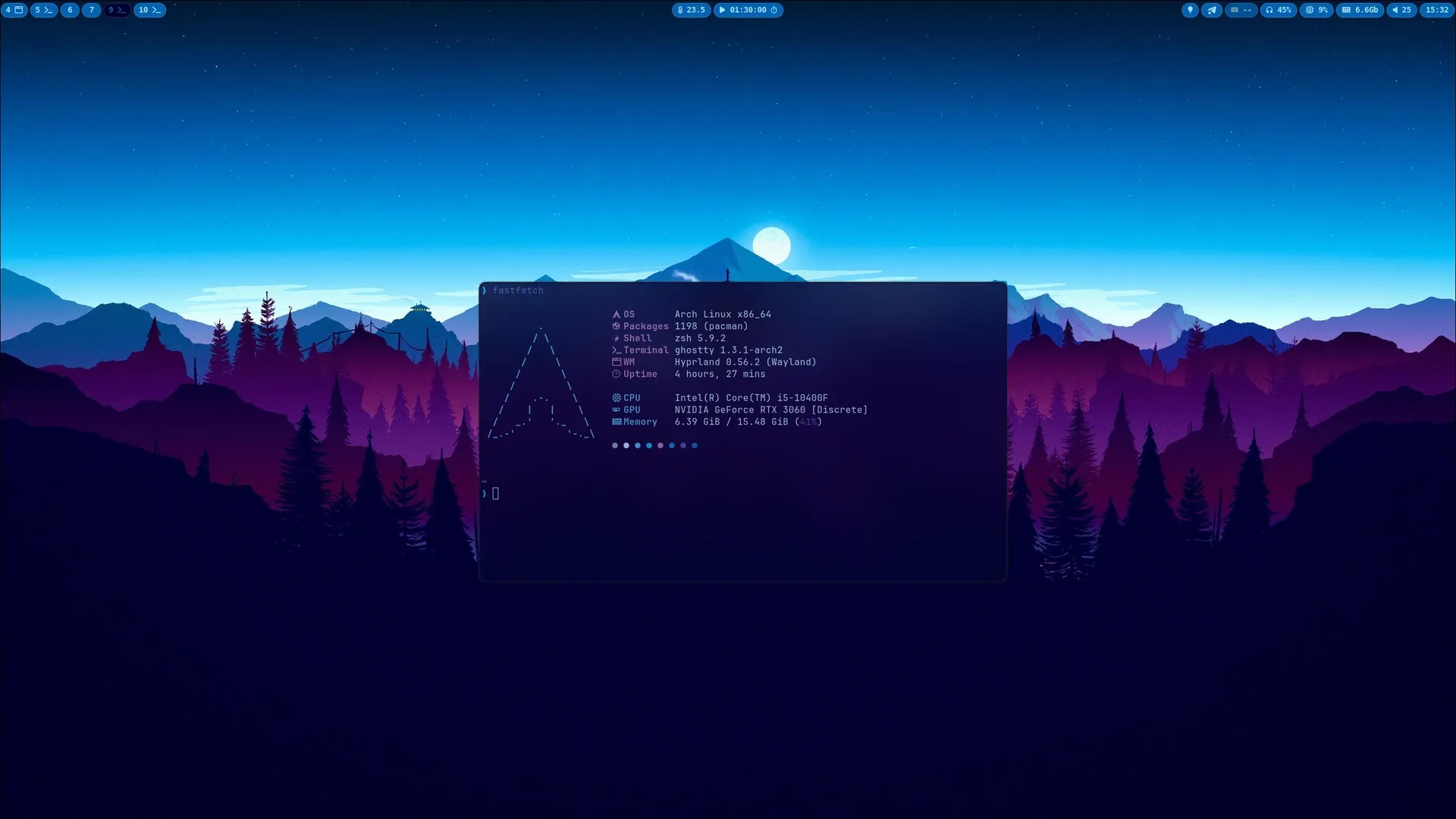
My daily Linux desktop, treated like infrastructure: Arch Linux and Hyprland, configured from GNU Stow dotfiles with shared and host-specific configs.

Hyprland desktop with a launcher menu open over ASCII art on the left and the Hyprland config file open in Vim on the right.Open larger view
Fig. 05.1Launcher open, Hyprland config in Vim.
Desktop with a mountain wallpaper and a terminal showing fastfetch system information for Arch Linux and Hyprland.Open larger view
Fig. 05.2fastfetch on a clean desktop.
What I built
A dotfiles setup managed with GNU Stow, plus scripts and launchers for everyday and remote work.
Technically interesting
Keeping one config tree reproducible across machines while still allowing host-specific overrides.
What it shows
Vim, terminals, scripts, and a desktop that behaves like infrastructure.
Stack
  • Arch Linux
  • Hyprland
  • GNU Stow
  • Vim
  • Shell scripts
06 Communication Pitching, Q&A, teamwork

Not just building: explaining under pressure.

I like the point where technical work has to become clear to other people: pitching, explaining tradeoffs, answering questions, and turning a messy idea into something a team can build.

  • Pitching ideas to mixed technical and non-technical audiences.
  • Answering questions on both the technical and the business side.
  • Coordinating teammates and shaping a presentation before anything gets built.

Example Pitched a multi-modal event and transit web-app concept to an international audience; verified recommendations on presentation clarity and teamwork on LinkedIn.

07 Contact

Let's build something real.

If you're building infrastructure, hardware, robotics, local-first tools or ambitious prototypes, I'd like to talk.

pavel.a.sams@gmail.com
© 2026 Pavel Samsonov Static site. No analytics, no tracking.